Buttons that do something
Up to five buttons per message: quick reply, open a link, call a number or copy a code. Add an image, video or PDF on top.
Your order #1048 is ready for pickup.
Get directionsCall the storeCopy pickup code
Link your number with a QR code, send messages of every kind, run broadcasts and chatbots, and connect your own software through a simple API.
Try it free. Pick a paid plan when you are ready.
See your numbers, messages and campaigns without jumping between tools.
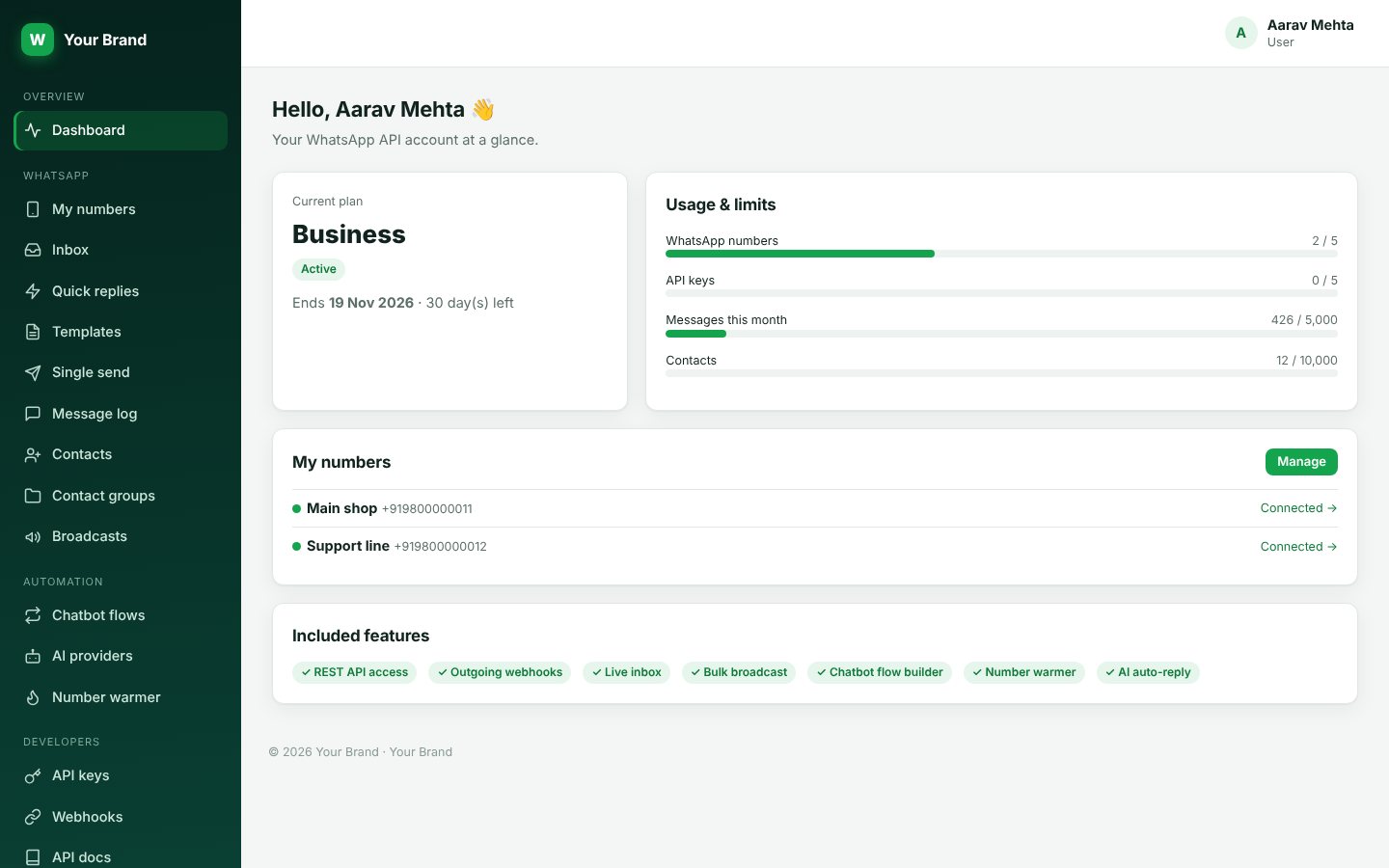
The tools a small team needs to talk to customers on WhatsApp.
Up to five buttons per message: quick reply, open a link, call a number or copy a code. Add an image, video or PDF on top.
Scan once and the number is live. Add several numbers and see at a glance which are connected and which are offline.
Text, image, video, document, audio and button messages, from the panel, a broadcast, a template or the API.
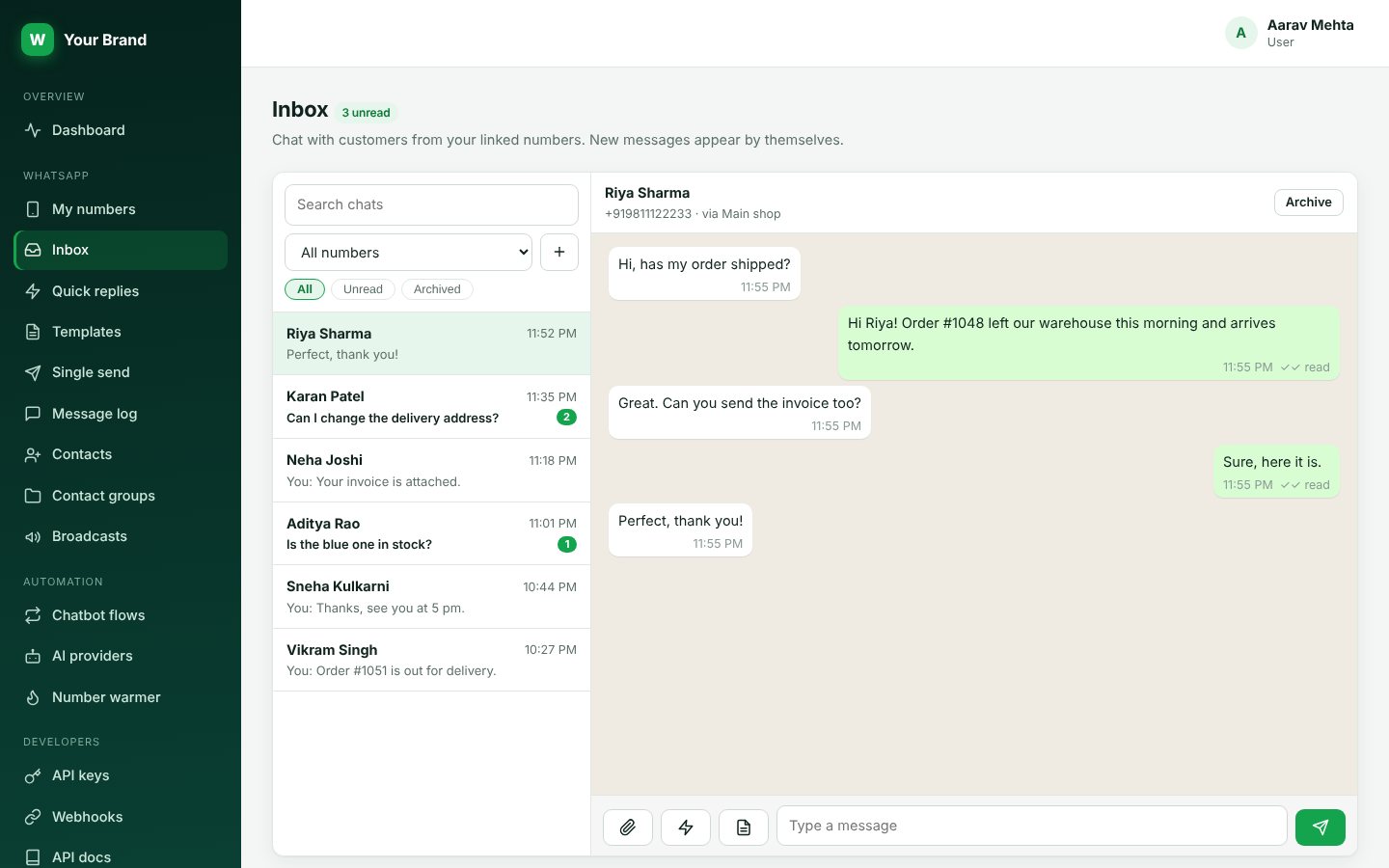
Every reply lands in a live inbox. Answer with a quick reply or a saved template without leaving the chat.
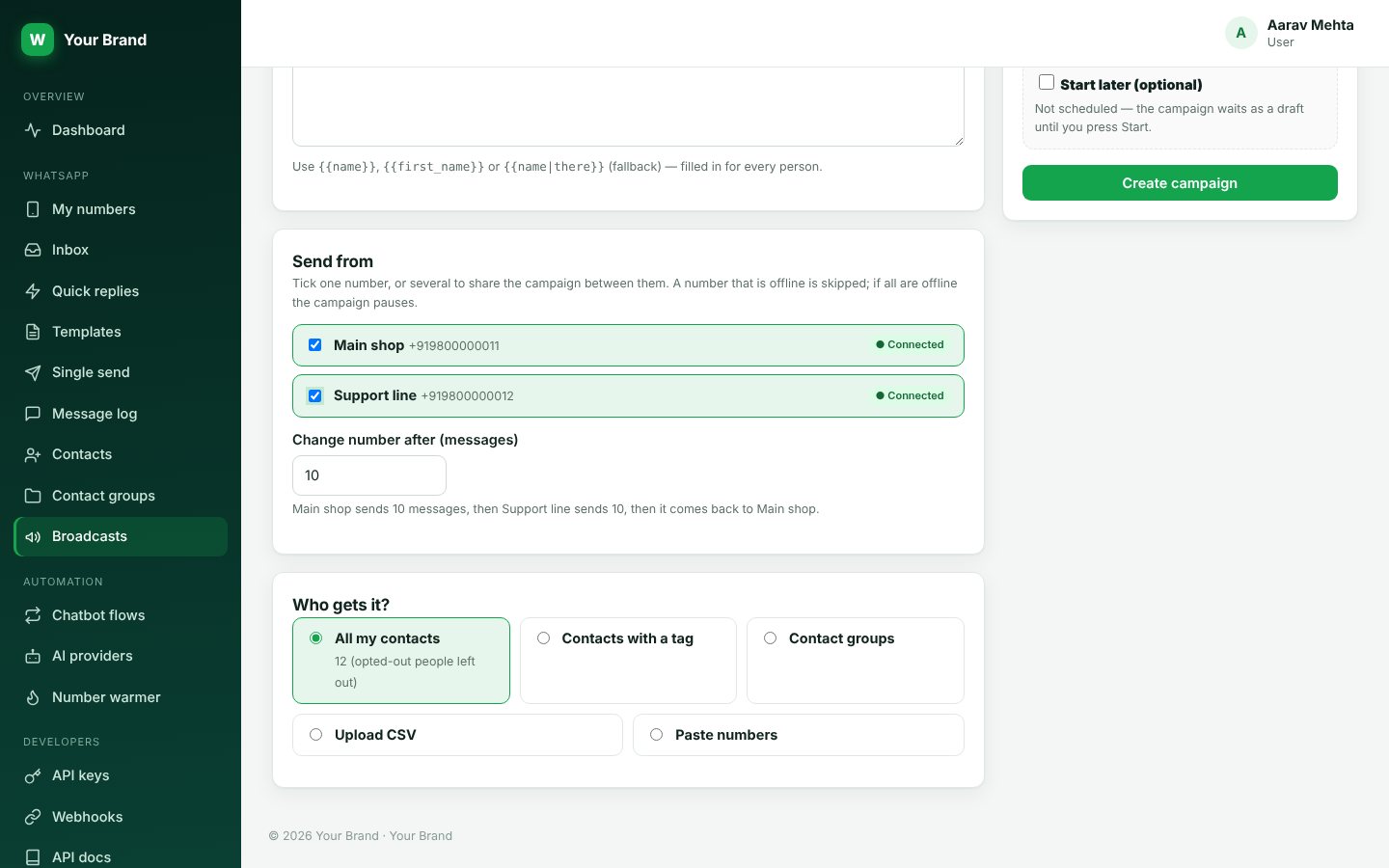
Send to all contacts, a tag, a group, a CSV or pasted numbers. Random delays, a daily limit, a start time and number rotation.
No developer needed to start.
Sign up and pick a plan. It takes about a minute.
Open WhatsApp on your phone, link the device and your number shows as connected.
Send from the panel, run a broadcast, switch on a chatbot or call the API.
Customers reply to your messages and the chats appear live. Pick a quick reply or a saved template and send.
Send an offer or a notice to hundreds of people without losing track of what went out.
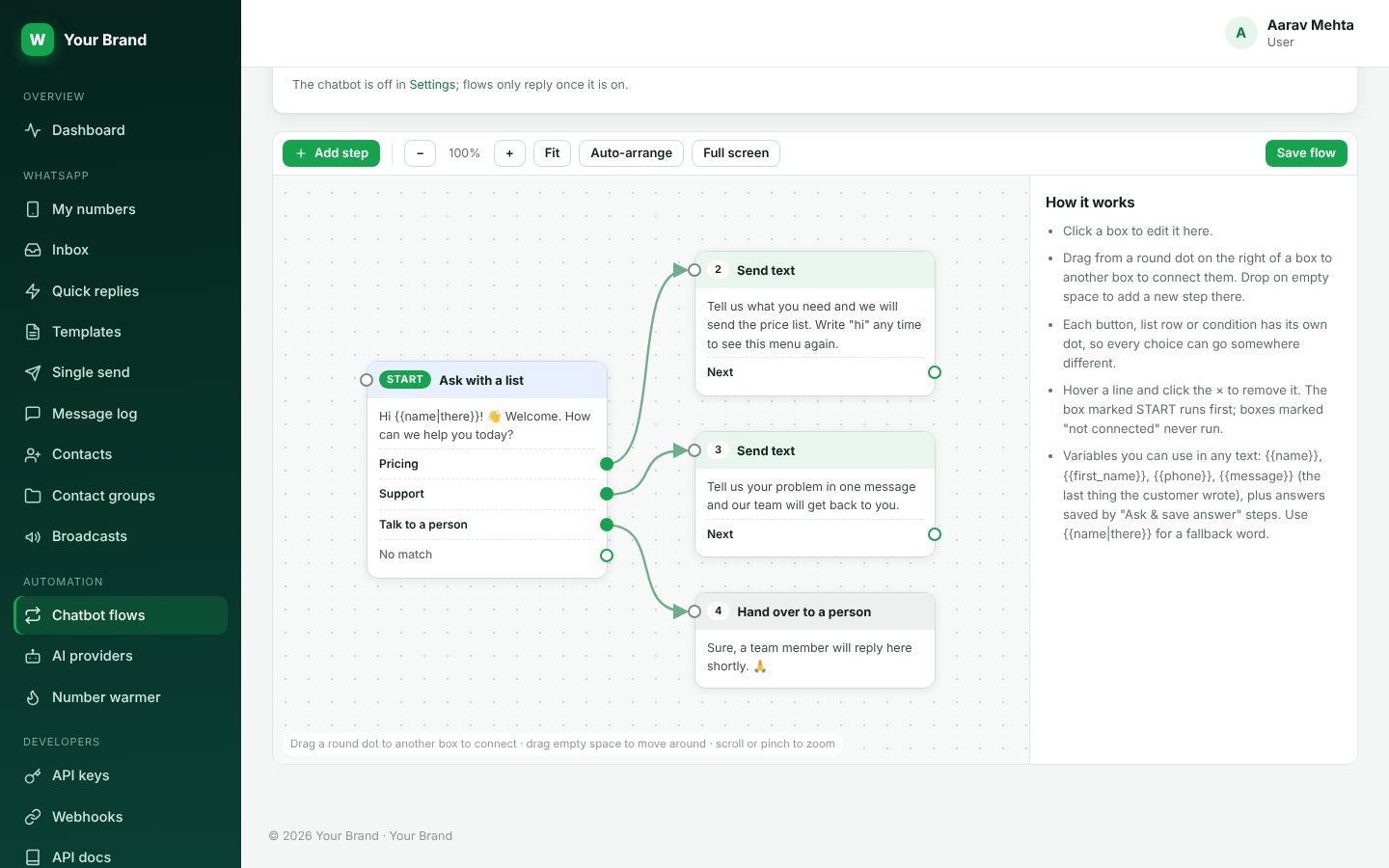
Place a box for every step and connect them. Welcome people, show a menu, ask for their details and pass the chat to a person when needed.
Single send, broadcasts, templates, chatbots and the API all speak the same six types.
Create an API key, make one request and the message is on its way. Incoming messages arrive on your webhook.
curl -X POST https://un.watick.in/api/v1/instances/shop/messages/text \
  -H "Authorization: Bearer YOUR_API_KEY" \
  -H "Content-Type: application/json" \
  -d '{"to":"917620798265","text":"Your order #1048 has shipped."}'
$ch = curl_init('https://un.watick.in/api/v1/instances/shop/messages/text');
curl_setopt_array($ch, [
CURLOPT_POST => true,
CURLOPT_RETURNTRANSFER => true,
CURLOPT_HTTPHEADER => ['Authorization: Bearer YOUR_API_KEY', 'Content-Type: application/json'],
CURLOPT_POSTFIELDS => json_encode(['to' => '917620798265', 'text' => 'Your order #1048 has shipped.']),
]);
echo curl_exec($ch);const res = await fetch('https://un.watick.in/api/v1/instances/shop/messages/text', {
method: 'POST',
headers: { Authorization: 'Bearer YOUR_API_KEY', 'Content-Type': 'application/json' },
body: JSON.stringify({ to: '917620798265', text: 'Your order #1048 has shipped.' }),
});
console.log(await res.json());import requests
r = requests.post(
'https://un.watick.in/api/v1/instances/shop/messages/text',
headers={'Authorization': 'Bearer YOUR_API_KEY'},
json={'to': '917620798265', 'text': 'Your order #1048 has shipped.'},
)
print(r.json())Order confirmed, shipped, out for delivery. Send each update on its own, with a button to track the parcel.
Appointment reminders the evening before, with a reply button to confirm or reschedule.
Fee notices, timetable changes and results to a whole class at once, with the file attached.
Answer new enquiries in minutes with a chatbot, then pass the hot ones to your team.
Send alerts and account messages from your own code and read replies on a webhook.
Run many clients from one account and give each client their own branded panel.
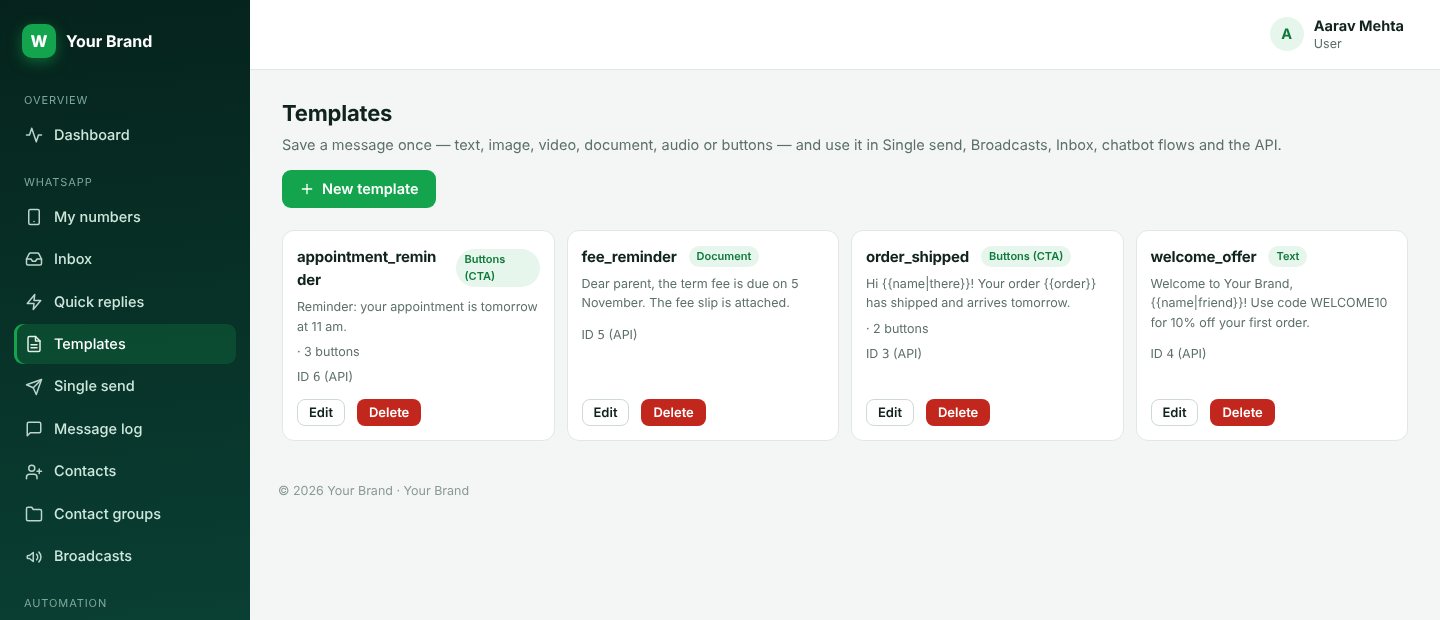
Save the order update, the fee reminder or the welcome offer as a template, with its file and buttons, and send it from single send, a broadcast, the inbox, a chatbot or the API.
Pick the plan that fits today and change it as you grow.
Open My numbers, press Add a number and scan the QR code from WhatsApp on your phone (Linked devices). The number shows as connected in a few seconds.
No. WATick WhatsApp Api links your own WhatsApp or WhatsApp Business number the same way WhatsApp Web does. It is not the Meta Cloud API, so there are no per-conversation Meta fees and no template approval, but the usual WhatsApp rules apply to your number.
WhatsApp can restrict numbers that send unwanted messages. Message people who expect to hear from you, keep the delay between messages, use the daily limit, and respect opt-outs. WATick WhatsApp Api gives you those controls but cannot guarantee how WhatsApp treats a number.
It depends on your plan. Each plan shows how many numbers, messages a month and API requests a minute it includes.
Yes. Every message type works in single send, broadcasts, templates, chatbots and the API. Button messages can carry an image, video or PDF on top.
Link your number, send your first message and see replies in your inbox in a few minutes.